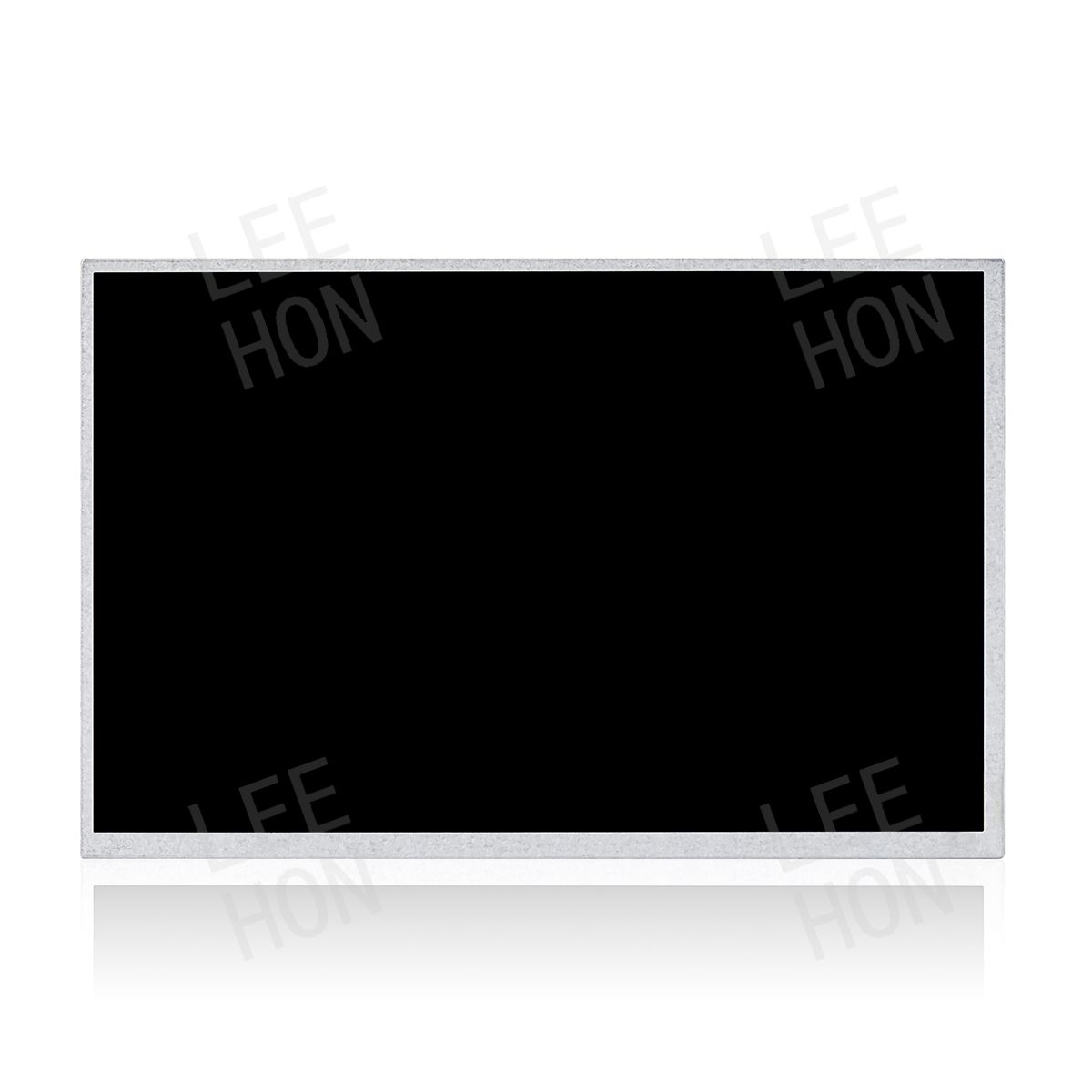
Installation and LCD module panel integration solutions for TFT LCD screens in industrial equipment
News 2025-11-18
TFT LCD (Thin Film Transistor LCD) screens are the most common human-machine interface and information display units. Unlike consumer displays, industrial environments, such as those used in industrial automation, testing instruments, CNC machine tools, energy monitoring, and traffic control, often involve high temperatures, vibrations, electromagnetic interference, and dust. Therefore, the installation of the LCD screen not only affects the display effect but also the system’s stability and safety. This article analyzes the correct installation methods and precautions for TFT LCD screens in industrial equipment, focusing on key aspects such as installation methods, mechanical structure, electrical connections, protective design, and debugging.
Pre-installation Preparation and Selection
Before installation, a suitable LCD module (LCM) must be selected based on the actual equipment requirements:
- Size and Proportion Matching: Determine the viewing area and panel opening size. Common specifications are 7”, 10.4”, 12.1”, 15”, 19”, etc.
- Interface Type: Select LVDS, eDP, MIPI, or RGB based on the main control board interface.
- Operating Temperature Range: Industrial grade (-30℃~+85℃) models are recommended.
- Protection Rating and Structural Form: If installed outdoors or in a humid environment, select a front panel structure with IP65 or higher protection.
- Tip: When selecting a model, simultaneously check the mounting hole dimensions in the manufacturer’s specifications on leehon.com to ensure structural compatibility.
Installation Method Classification
- Embedded Installation: The most common installation method, embedding the LCD screen inside the equipment. 1. Front Panel Mount: The LCD module is fixed by a rear metal frame or mounting bracket.
Fixing Method: Secured using studs, metal clamps, or elastic clips.
Advantages: Smooth overall appearance, good dustproof performance.
Applications: HMI touchscreens, instrument panels, industrial computers.
Installation Steps:
① Machining the front panel opening (1-2mm larger than the viewable area);
② Installing the support frame or bracket inside the equipment;
③ Fitting the module snugly, ensuring no damage to the FPC;
④ Secure with screws or clips.
- Panel Mount: Suitable for industrial LCD modules with metal frames or mounting holes.
The front frame is pressed firmly onto the equipment panel, allowing for external removal for maintenance.
Commonly used in display terminals with IP65 protection design.
- VESA Mount: Some large-size industrial screens (15″ and above) support VESA standard hole spacing (75×75mm or 100×100mm) and can be mounted using brackets or hinges.
Suitable for multi-angle adjustable display terminals, such as factory monitoring stations and test benches.
- Rail/Slide Mounting: Used for mass production of modules or compact systems (such as PLC control cabinets). The LCD module is fixed by being embedded in a slide, facilitating maintenance.
Fixing and Support Structure Design
- Support Frame Material: Anodized aluminum or galvanized steel plate is recommended, providing good rigidity and heat dissipation.
- Anti-vibration Pads: Rubber gaskets (silicone/EPDM material) are added at the contact points between the LCD module and the frame to absorb vibration and impact.
- Screw Torque Control: To avoid over-tightening and causing glass stress breakage, the commonly used torque is 0.15–0.25 N·m.
- Grounding Design: The metal casing or mounting frame must be connected to the system ground to prevent electromagnetic interference (EMI).
Electrical Connections and Cable Management
- Interface Connections
Signal Cables: Select the appropriate ribbon cable according to the interface type (LVDS cables require grounding of the shielding layer);
Backlight Power Supply Cables: Ensure sufficient current capacity to avoid voltage drop;
Touch Interfaces: For touch screen modules (CTP/RTP), distinguish between USB and I²C interfaces.
- Cable Layout Principles
Avoid parallel routing of signal cables and high-voltage lines;
Bending radius ≥ 10 times the wire diameter to prevent cable damage;
Use cable trays or cable ties to secure cables and prevent loosening due to vibration.
- Power Requirements
Power Supply Stability: Voltage error ±5%;
Startup sequence conforms to manufacturer specifications (some modules require VCC before BL);
Short-circuit protection and reverse connection protection are required.
Dustproof, Waterproof, and EMC Protection
Industrial equipment typically requires IP54~IP67 protection ratings. Installation Precautions:
- Front Panel Sealing: Install a waterproof silicone ring between the LCD screen and the device panel to prevent liquid ingress.
- Full Lamination Structure: Use OCA optical adhesive to bond the cover plate to the screen, eliminating air gaps and improving waterproofing and shock resistance.
- Dustproof Design: If installed in a dusty environment, install a filter at the air inlet.
- Electromagnetic Shielding: EMI conductive foam can be added between the module’s metal frame and the housing to reduce interference.
Industrial protection design is recommended to comply with IEC60529 (Protection Level Standard) and GB/T2423 (Environmental Stress Test Standard).
Heat Dissipation and Ventilation
The backlight and driver IC of the TFT LCD screen generate heat; prolonged high temperatures will lead to brightness decay and shortened lifespan.
The following methods can be used in engineering design:
Add aluminum heat-conducting sheets or heat dissipation fins to the back panel;
Force ventilation through the equipment duct (wind speed 0.5~1.0m/s);
Use thermally conductive silicone pads to conduct heat to the metal casing;
Keep the temperature of the back of the LCD screen below 60℃.
Debugging and Testing
After installation, the following tests must be performed:
Test Item | Purpose | Display Test | Check brightness, contrast, and color uniformity | Verify display consistency | Backlight Test | Test brightness adjustment and current waveform | Verify power supply stability | Dustproof/Waterproof Test | IP rating | Spray or immersion test | Check sealing performance | Vibration Test | 5~55Hz 1G cycle | Verify structural reliability | EMI/EMC Test | According to GB/T17626 | Check anti-interference capability
Common Installation Mistakes
- Directly tightening the glass edge → Causes stress cracks in the LCD panel;
- FPC bending radius too small → Causes ribbon cable breakage or signal interference;
- Ungrounded metal frame → Easily generates EMI interference;
- Ignoring backlight heat dissipation → Localized high temperature causes brightness decay.
The installation of TFT industrial LCD screens in industrial equipment is not merely a mechanical connection, but a system-level engineering project. Only through simultaneous optimization in structure, protection, electrical systems, and thermal management can long-term stable operation and high-reliability display be guaranteed. Embedded and panel mounting remain the mainstream solutions for industrial applications, while IP protection, shock-resistant structures, and electromagnetic shielding will become standard configurations in the future. For engineers, scientific installation methods and standardized testing and verification are crucial for ensuring equipment quality and lifespan.